Waterproof Bluetooth Speaker with FM & USB Playback
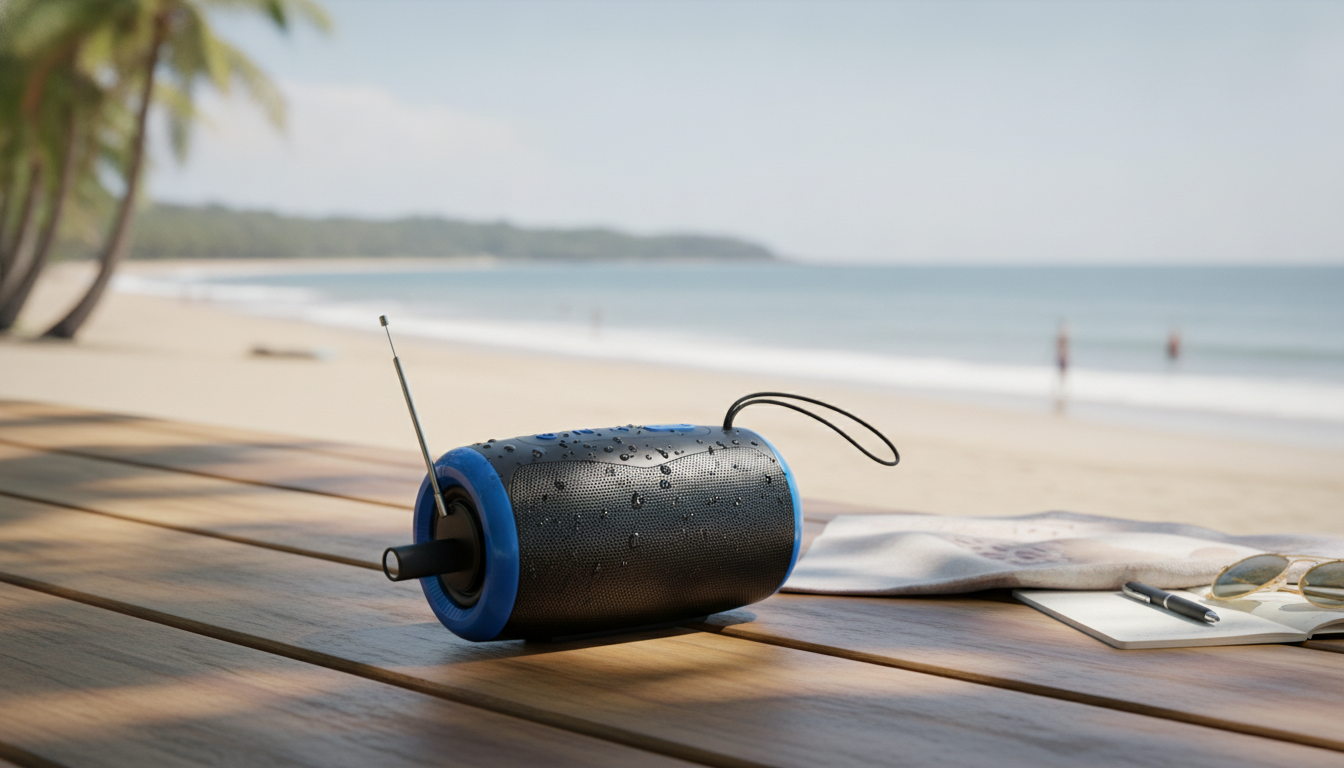
Portable Bluetooth Speaker with FM Radio, Waterproof Design, and USB Playback
A compact speaker that can stream playlists, tune in to local radio, and keep music going from a USB drive is a practical pick for patios, camping, beach days, and emergency kits. This guide breaks down what to expect from a waterproof portable speaker with FM and USB support, how to set it up, and how to get the best everyday performance.
What This Speaker Is Built For
This style of portable speaker is designed to cover the most common “grab-and-go” audio needs without demanding perfect cell service or a fully charged phone.
- Everyday listening: quick Bluetooth pairing for phones and tablets
- Offline audio: play compatible files directly from a USB drive when a phone battery is low
- Local updates: FM radio for news, sports, and weather when streaming isn’t available
- Outdoor use: waterproof build helps handle splashes and light rain during trips or pool time
Key Features That Matter
Three playback options (Bluetooth, FM, and USB) plus water resistance is a simple combination that solves a lot of real-life scenarios—especially when you don’t want to baby your gear.
- Bluetooth playback: stable connection range depends on environment; walls and interference can reduce it
- FM radio: reception varies by location; better results near windows or outdoors away from dense electronics
- Waterproofing: designed to resist water exposure, but performance depends on proper port-cover closure
- USB support: useful for preloading music or spoken-word files for travel or power outages
- Portable form factor: small footprint makes it easy to pack in a bag or keep on a shelf for quick grab-and-go
| Feature | Why it helps | Best for |
|---|---|---|
| Bluetooth audio | Wireless streaming from a phone | Daily music, podcasts, calls at home |
| FM radio | Works without mobile data | Storm season, commuting, local updates |
| Waterproof body | Resists splashes and rain | Beach, pool, camping |
| USB playback | Music without a phone connection | Road trips, battery-saving, kids’ playlists |
For more background on how over-the-air radio works and why reception varies, the Federal Communications Commission (FCC) consumer guides are a solid reference.
Sound Expectations in a Small Speaker
Compact speakers prioritize convenience and portability. With realistic expectations and a few placement tricks, they can sound surprisingly satisfying for casual listening.
- Volume vs. clarity: pushing max volume can add distortion; a slightly lower setting often sounds cleaner
- Bass response: compact speakers trade deep bass for portability; placement near a wall can add perceived low end
- Stereo imaging: single small speakers emphasize convenience over a wide stereo stage
- Best listening distance: typically within a room or small outdoor hangout area
If you want fuller sound outdoors, try elevating the speaker off sand or grass (a table, cooler, or shelf). A hard surface can improve perceived loudness and reduce the “muffled” effect that happens when sound gets absorbed.
Getting Set Up: Bluetooth, FM, and USB
Bluetooth pairing
Turn on the speaker, enable Bluetooth on your phone, then select the speaker from the device list. Once paired, the connection usually auto-restores the next time you power up (as long as Bluetooth is on and the speaker is in range).
FM tuning
FM performance depends heavily on location. If your unit includes an antenna, extend and reposition it. If not, simply moving the speaker a few feet—closer to a window or away from routers and power strips—can noticeably reduce static. For emergency awareness, many people also keep a dedicated weather-alert device; the National Weather Service overview of weather radio explains how broadcast alerts work.
USB playback
Insert a USB drive with common audio formats and keep folders simple for easier navigation. If you’re loading a long playlist for a trip, consider creating a few folders (e.g., “Road Trip,” “Kids,” “Podcasts”) rather than one giant directory.
Waterproof use
Before any water exposure, confirm port covers are fully sealed. After splashes or rain, dry the exterior and especially the charging area before plugging anything in.
Where It Shines: Everyday and Backup Scenarios
- Camping and picnics: quick entertainment without relying on mobile service
- Poolside or beach: water resistance helps with splashes and damp surfaces
- Garage or workshop: radio mode for background listening and quick updates
- Emergency preparedness: FM radio plus offline USB audio can be useful during outages
A practical “backup” setup is preloading a USB drive with a few hours of music plus a few spoken-word files. That way, if your phone is conserving battery, you still have something to listen to without streaming.
Care, Safety, and Longevity Tips
- Rinse-free approach: avoid saltwater or chlorinated water exposure when possible; wipe down after use
- Charging habits: use a reliable charger; allow the device to fully dry before plugging in
- USB drive handling: eject safely and avoid removing while actively playing if the speaker indicates read activity
- Storage: keep in a cool, dry place; avoid leaving in hot cars for extended periods
Product Options
- Foldable Magnetic 3-in-1 Wireless Charging Station – 15W Fast Charger for iPhone, Apple Watch, and AirPods
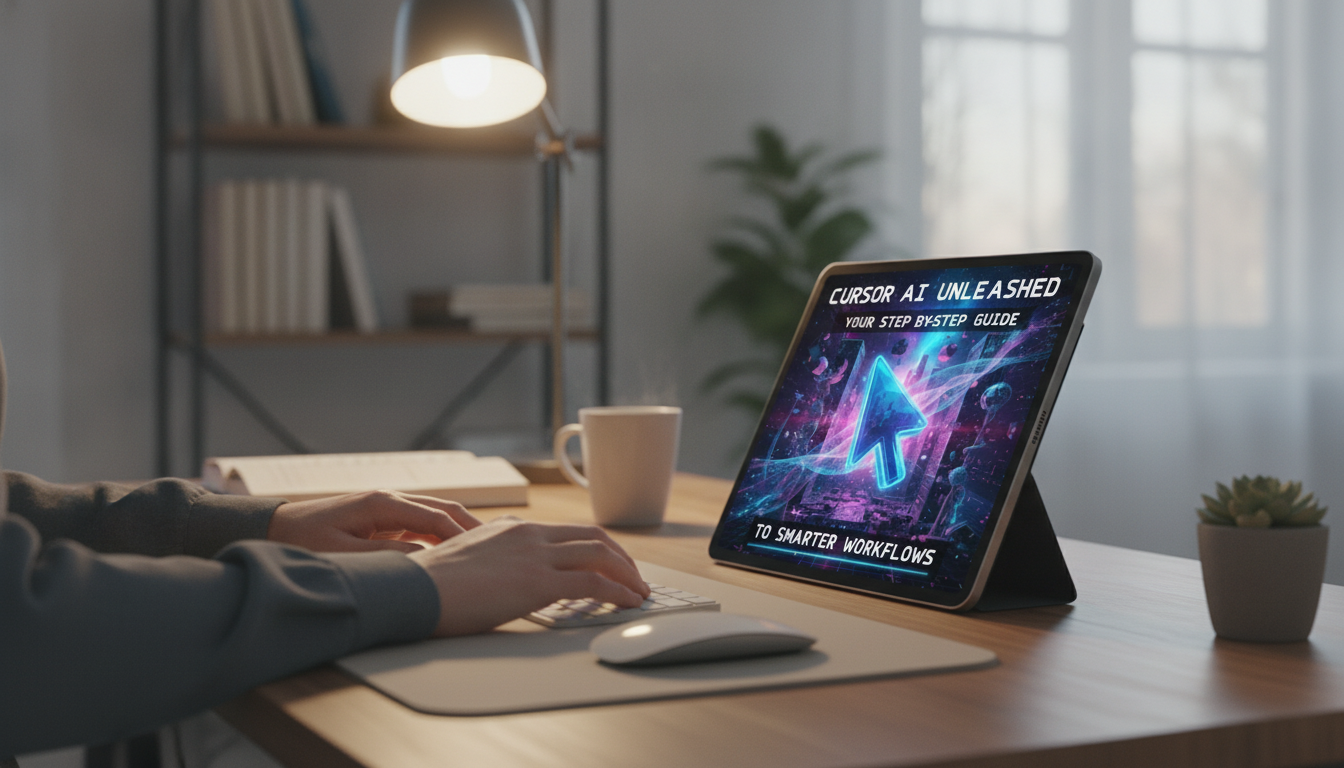
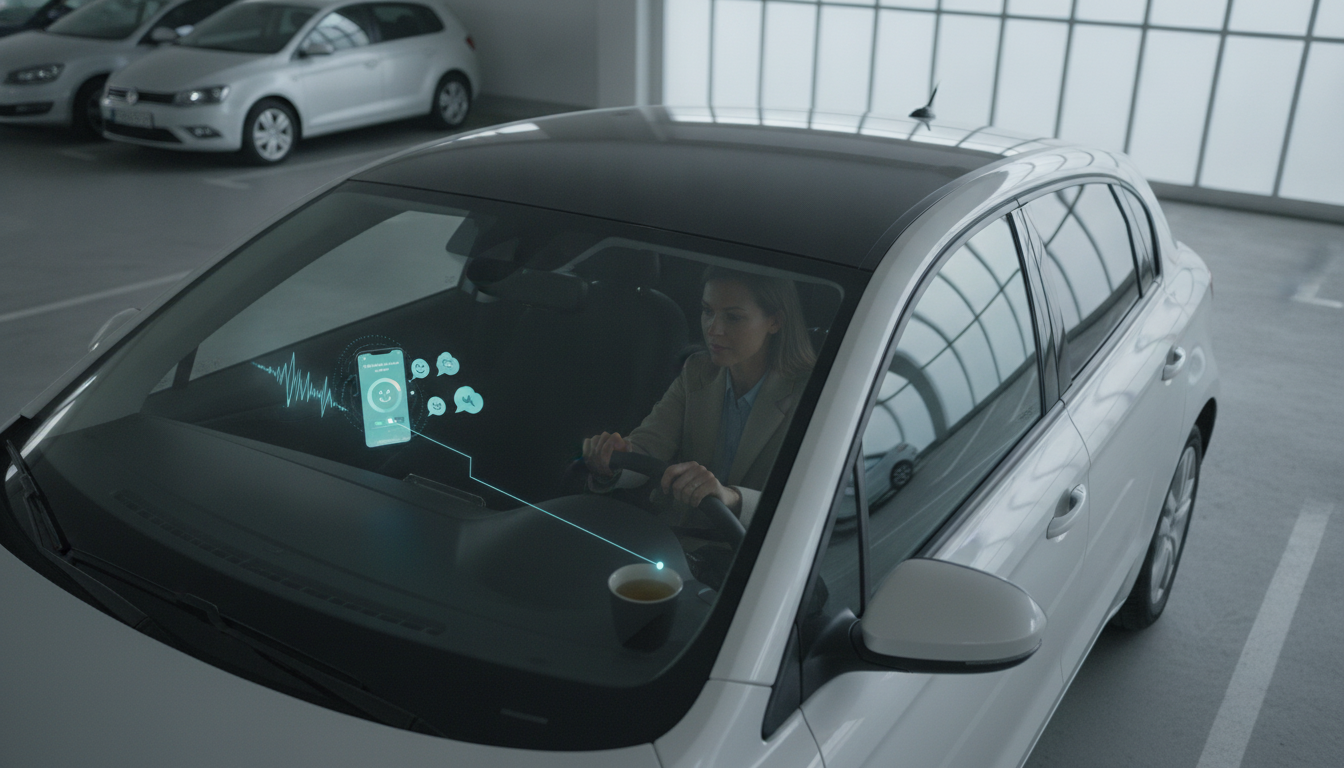
- Recharging Your Mind with AI – Digital Stress Relief Guide for Calm, Focus & Mental Wellness
FAQ
Can FM radio work without an internet connection?
Yes. FM radio receives local broadcast signals over the air and does not require Wi‑Fi or mobile data; reception depends on your location and nearby interference.
Is it safe to charge the speaker right after it gets wet?
Wait until it’s fully dry. Dry the exterior and make sure the charging port area is completely free of moisture before plugging in to reduce the risk of damage.
What should be put on the USB drive for best compatibility?
Use widely supported audio formats with simple folder and file names. Keeping the number of files reasonable and avoiding unusual characters can help the speaker read and index the drive more smoothly.

Leave a comment